
McLeod VINE Arrest Check
McLeod County’s local VINE information page is the county’s official link. It feeds into Minnesota’s victim notification system. There you can search one person’s county-jail custody status and sign up for alerts. The service costs nothing. No public profile is required.
VINE answers a different question than the Sheriff’s live roster. The roster lists current bookings with photos. VINE tracks one person and their status changes. It offers no photo guarantee and no full police report. An arrest can lead to release, transfer, or court action. It can also mean a move to another custody system.
The county’s instructions appear on the official McLeod VINE page.
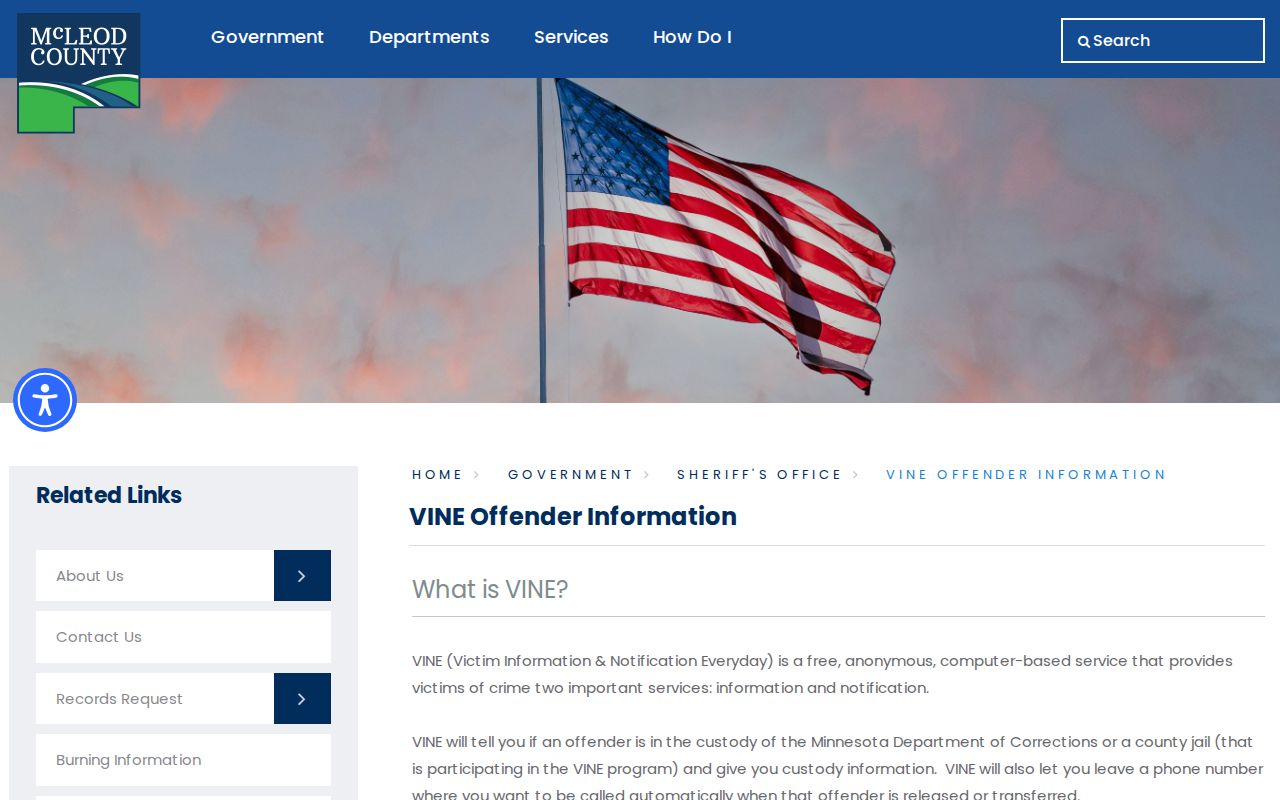
The local page gives the official route; check current state material for updated details.
Search McLeod VINE Records
Enter enough detail to separate people who share a name. Partial names help when spelling is shaky. But broad queries breed matches. Before trusting a result, confirm it points to Minnesota and the right McLeod County facility.
- Open VINELink and select Minnesota.
- Choose the person or offender search rather than assuming registration begins automatically.
- Enter the full or partial name, or an identification number when one is known.
- Review possible matches and confirm the county, facility, and available identifiers.
- Read the displayed custody status and the time associated with the result.
- For immediate certainty, compare the county roster or contact the McLeod County Sheriff’s Office.
The search interface is visible in this captured Minnesota and McLeod VINELink view.
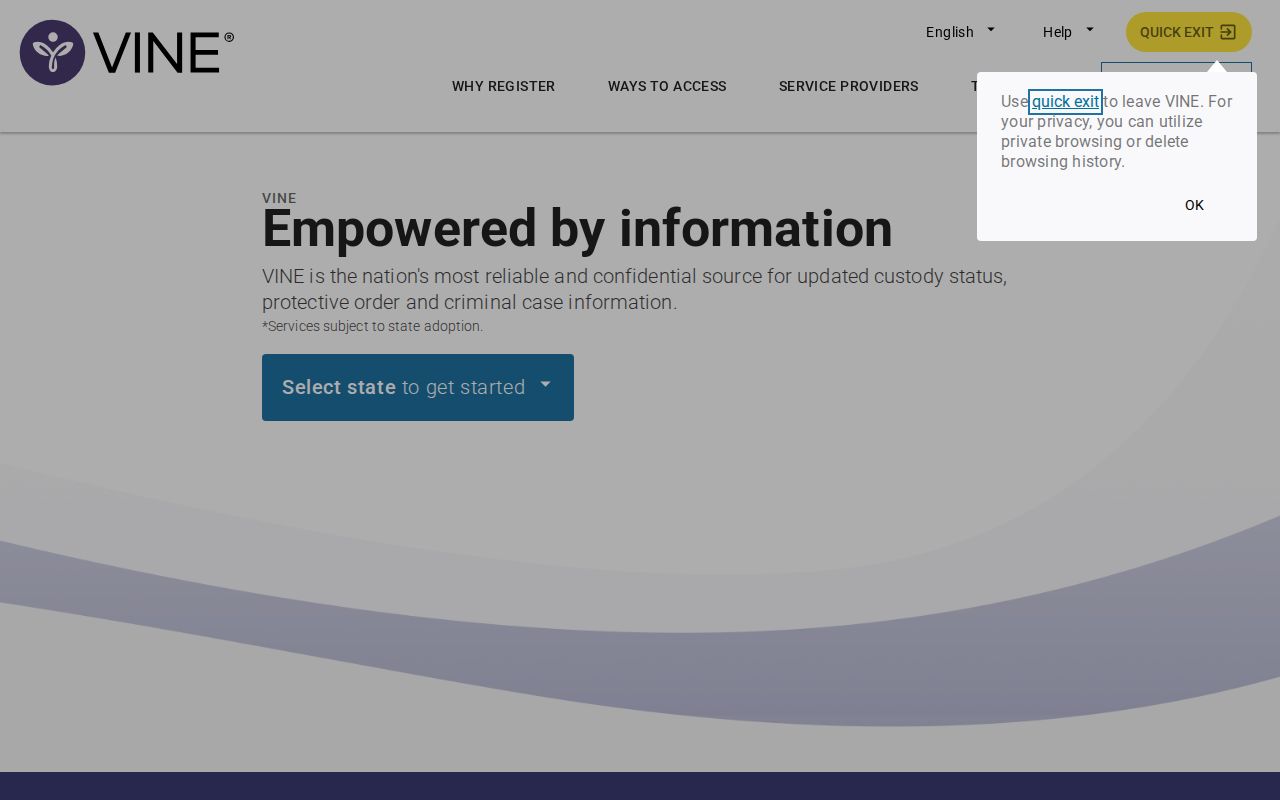
The tool handles one-person lookups. It is not meant for rebuilding or republishing a custody list.
McLeod VINE Result Fields
Displays vary, and some records carry fewer fields. Still, VINE usually gives enough to confirm a custody match and understand the status event. Treat the court file, not VINE, as the record of a case outcome.
| Result element | How to use it |
|---|---|
| Name or identifier | Compare carefully to the person sought |
| State and facility | Confirm Minnesota and the McLeod custody connection |
| Custody status | Read as status reported to VINE, subject to lag |
| Status date or event | Use to understand when the record last changed |
| Registration option | Starts alert setup after the correct record is selected |
| Service contact | Use for help with search or notification access |
VINE keeps its answers plain. A custody status shows who is in custody right now. The service makes no promise of a booking photo, though. For an official roster image from McLeod County, check the live custody report when one is posted there.
Register McLeod Custody Alerts
A match alone enrolls you in nothing. Alerts start only after the person and facility are confirmed. Minnesota materials describe phone and electronic notice options, and the current interface controls which choices actually apply.
- Select the registration or notification option attached to the confirmed record.
- Choose an available phone or email delivery route.
- Enter only the contact details requested by the service.
- Create and save the personal identification number used to manage phone notifications.
- Review the events covered, such as release or transfer, and finish enrollment.
- Keep the PIN secure so the registration can be updated or canceled later.
Alerts stay anonymous to the person in custody. They supplement a safety plan; they never replace one. Delivery can stumble through phone outages, spam filters, or a status that changes too fast.
- Release alert
- Notice that the participating custody source reported a release event.
- Transfer alert
- Notice that custody moved or the holding facility changed.
- PIN
- A private code used to confirm receipt or manage registration.
McLeod VINE Phone Numbers
Here the numbers split. McLeod’s county page lists 866-277-7477. The Minnesota Department of Public Safety’s current Minnesota VINE page lists 877-664-8463. The gap is worth knowing. Either page can surface in a search. If the older county number fails, try the state page first. A stale number does not mean McLeod left VINE. It means government pages age at different rates. The current VINELink web route also beats an old bookmark that redirects or never loads.
Note: Never share a notification PIN publicly or enter another person’s contact data into an unverified site.
McLeod VINE Update Lag
Minnesota’s fact sheet describes county-jail data transfers in short intervals. These are often 15 or 30 minutes. That is a system pattern, not a promise for any McLeod booking or alert. Processing into the jail system comes first. Then the event must reach VINE. Network and phone delivery can add lag.
For a very fresh arrest, use the Arrested Today roster workflow. Call Sheriff dispatch at 320-864-3134 when you need confirmation now. The county roster prints its own timestamp with no stated refresh guarantee. Cross-checking both sources shows observation times but removes no delay.
Custody Beyond McLeod VINE
Minnesota VINE covers participating county jails. It stops there. For those people, a different locator applies. The Minnesota Department of Corrections Public Viewer is the right tool for adults committed to the Commissioner and still under state supervision. Minnesota Haven is the DOC-related notification route the state names. That state distinction shows in the Minnesota DOC Public Viewer.
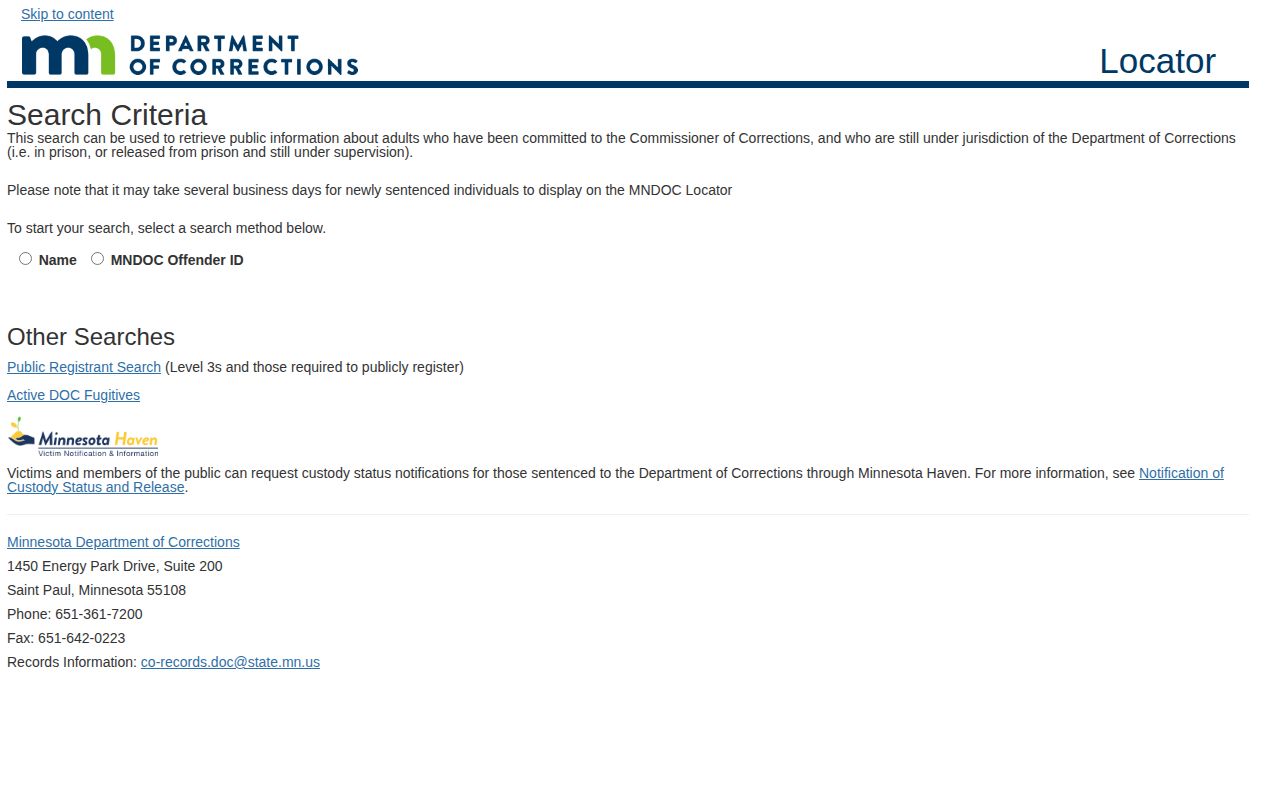
Remember, the DOC tool tracks state-sentenced custody. It is not a stand-in for today’s McLeod County jail roster. Federal cases need the BOP locator. Immigration detention needs the ICE detainee locator. Someone may also sit in another Minnesota county, be free already, or never have been booked into McLeod County Jail, so an empty VINE result proves nothing about an arrest.
Verify McLeod Custody Results
A name match is only the start. Check the date of birth, the booking number, and the facility listed before you trust a McLeod custody result. Two people in McLeod County can share a name. When VINE and the live jail roster disagree, write down both update times and call the Sheriff's Office to confirm who is actually in custody. Older arrest records take a formal records request. Charges and case outcomes belong to the court.
The Sheriff's Office handles records at 801 10th Street East, Glencoe, MN 55336. Dispatch answers at 320-864-3134. Records email is McLeod.SheriffRecords@co.mcleod.mn.us. The courthouse sits at a different address, 830 11th Street East, and it answers a different set of questions. Knowing which office holds which record saves a wasted trip across Glencoe.
Understand McLeod VINE Events
Every alert reflects one event category sent by the jail. "Release" can mean county custody simply ended. "Transfer" can mean a move to another facility or system. Read the notice with its date, time, and facility attached. VINE never explains why an event happened, whether charges changed, or what a court decided. Those questions go to the jail, the court, or the agency receiving the person.
Fast sequences can generate several notices at once. Keep each message until custody is settled. Do that especially if the arrest moved to another county or Minnesota DOC hands. Missed alerts usually trace to a dead phone number. A full inbox causes them too. Update the saved contact through your PIN and the current VINELink controls. Registering again will not repair stale contact data.
| Event or result | Next check |
|---|---|
| County custody shown | Compare facility and roster time |
| Release notice | Confirm with McLeod jail if urgent |
| Transfer notice | Identify the receiving facility |
| No result | Try identifiers, roster, and direct contact |
| DOC jurisdiction | Use Public Viewer and Minnesota Haven |
| Federal custody | Use the Bureau of Prisons locator |
McLeod Alerts and Safety
VINE alerts can anchor a safety plan. They cannot carry the whole weight. Custody in McLeod County can change before any call or email lands. Keep direct agency numbers close. Use 911 for an immediate threat. Registration never contacts law enforcement, changes release conditions, or creates a protective order.
Your contact details stay private. The public person search does not expose them. Still, guard the PIN and skip any look-alike site asking for it. Start from the county VINE page, the Minnesota Department of Public Safety, or the official VINELink domain. If an old bookmark behaves oddly, back out and use one of those routes.
Once someone enters DOC jurisdiction, a different state resource applies. Minnesota separates Minnesota Haven from county-jail VINE. Following the responsible custody system keeps a county alert from being mistaken for state-prison tracking.
Preserve McLeod VINE Results
Record the date and time of any result you plan to act on. Custody shifts fast. An alert never rewrites the arrest record behind it. The arresting police agency holds the incident details. McLeod District Court holds any filed case and its outcome. VINE has one job: timely notice about who is in custody.
Documentation helps, but keep only what matters. Verify it at the source. A screenshot can go stale the moment custody changes. For a historical booking record, ask the Sheriff's records custodian. For a city arrest narrative, ask that city's police records office. Treat the alert as a notice, never as a full arrest report.
Search Public Records
Sponsored Results